MySoonerCare App | Benefits, Renewals & Claims
๐Ÿ“ฑ MySoonerCare is free for Oklahoma SoonerCare members, with no cost to download or use.

Your SoonerCare Coverage
Now in One App

The official SoonerCare app connects you with real answers about your Oklahoma Medicaid coverage, built around the questions members ask most. Chat with a Care Guide whether you're enrolled in SoonerCare Choice, Traditional, SoonerPlan, SoonerSelect, or Insure Oklahoma.


Download on the App StoreGet it on Google Play
QR code to download the MySoonerCare app

Scan with your phone's camera to download instantly.
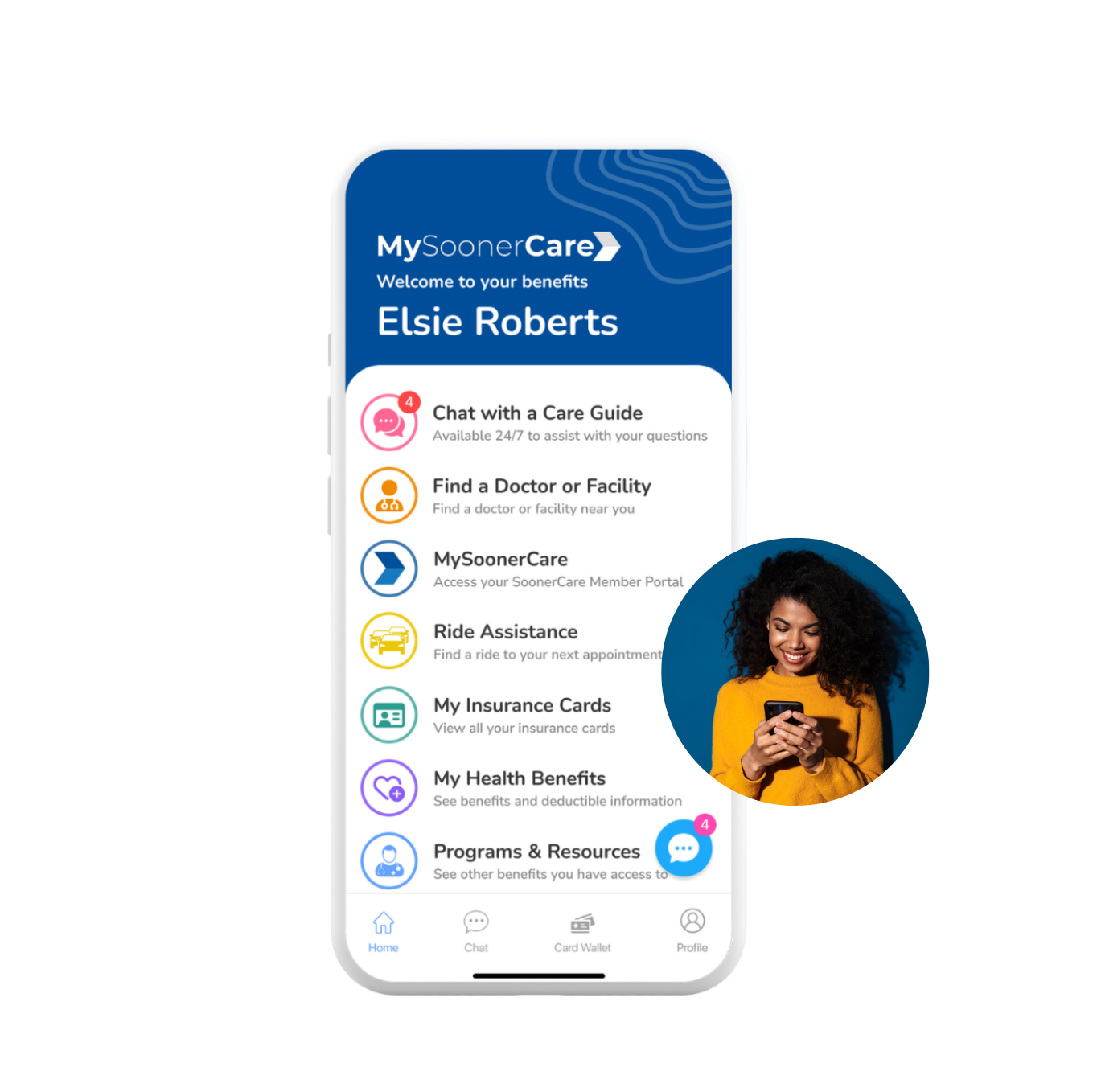
MySoonerCare app home screen
Push notification from the MySoonerCare app
Built for every SoonerCare plan in Oklahoma
Works with:SoonerSelectSoonerPlanInsure OklahomaTraditional

Help With What You Actually Need

Chat with a Care Guide. Here's everything the app can help with, starting with what matters most.
Your SoonerCare renewal is due in 14 days. Tap here to update your documents.
Got it, I'll upload them now.
I got a letter from SoonerCare. What does it mean?
I can help. Upload a photo and I'll walk you through exactly what it means and what to do next.
Does my plan cover physical therapy?
Yes. Physical therapy is covered under your SoonerCare plan. Want details on visit limits or how to get a referral?
Cost Summary
Visit TypeSpecialist Visit
Your Cost Share$0.00
Plan Pays100%
Claim Status
ProviderOU Health Clinic
Service Date07/12/2026
StatusProcessed
You May Owe$0.00

Program Information

  • SoonerRide transportation assistance
  • Smoking cessation support
  • Additional SoonerCare wellness benefits
MySoonerCare
MemberElsie Roberts
PlanSoonerCare Choice
Member IDOK4429871
Effective01/01/2026

Real help, right when you need it, not after you've already given up.

<60 secAverage Care Guide reply time

A Few Ways We Show Up For You

MySoonerCare is packed with tools built around your needs. Here's a closer look at two of them in action.
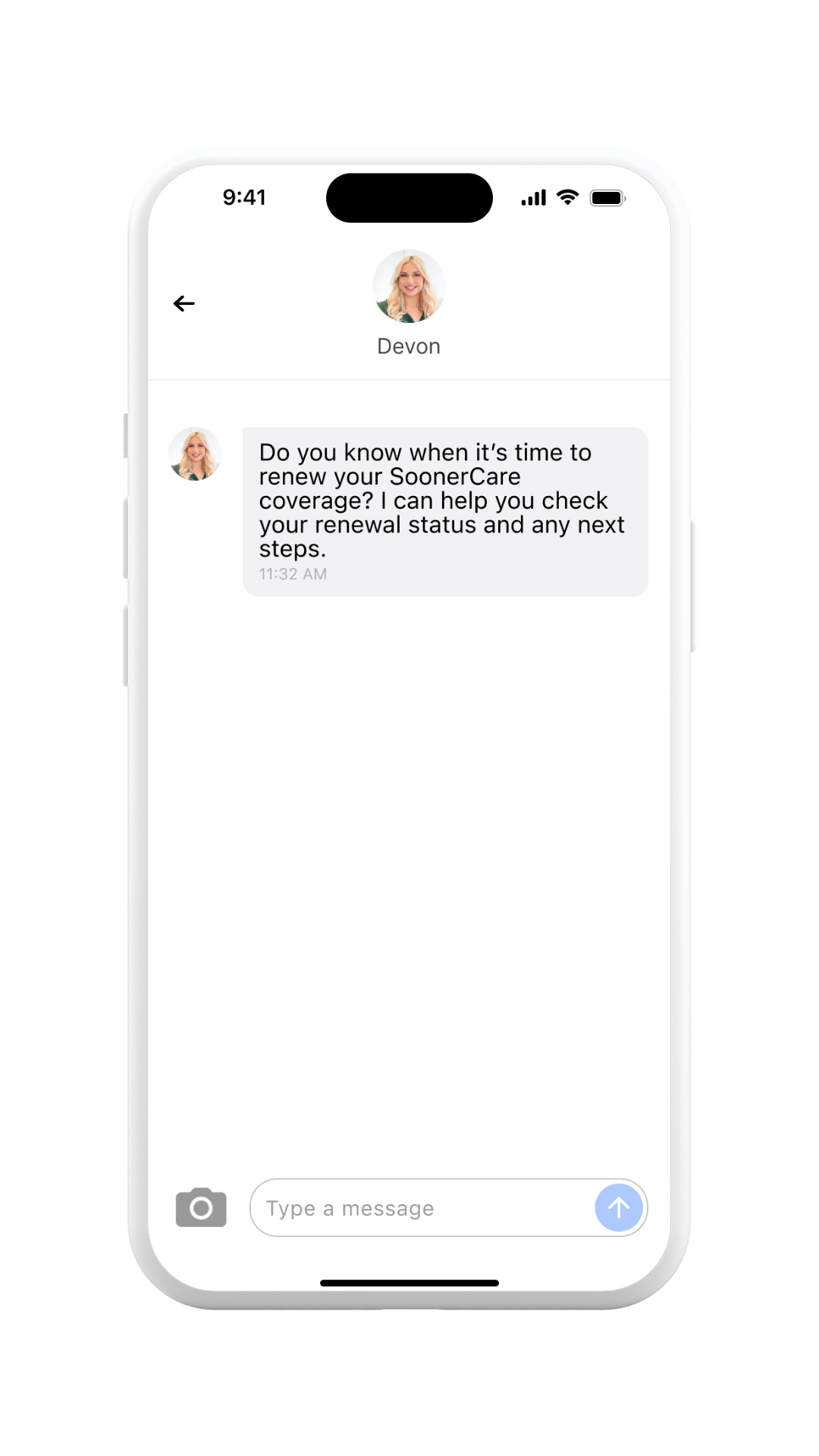
Care Guide chat about eligibility and access to benefits
๐Ÿ”” Stay eligible, keep your benefits
Renewals & Applications

Nudges about your eligibility and access to benefits

Get notified about your eligibility status and access to your benefits, right when it matters, so your coverage never lapses without warning.

Get the App
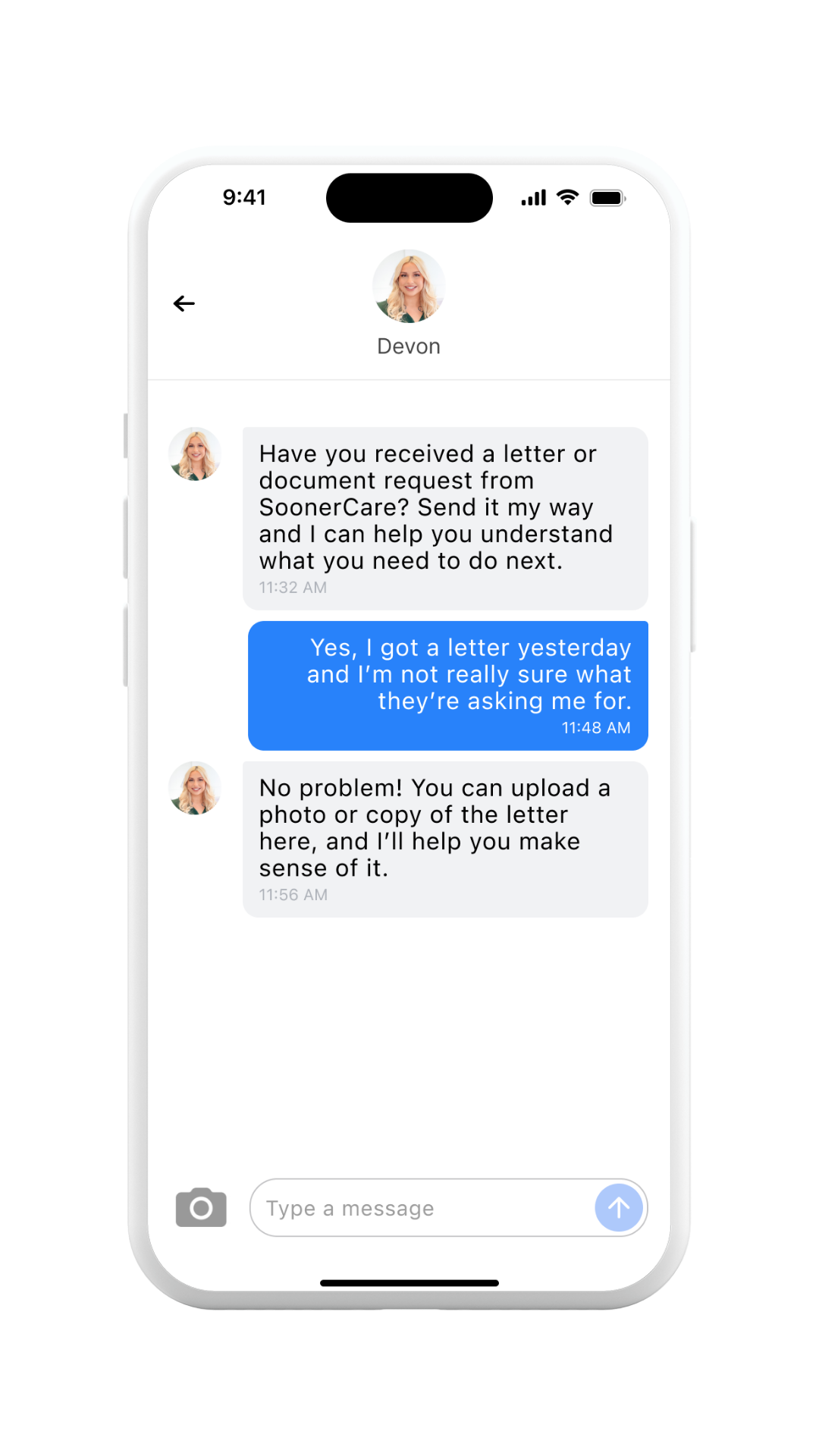
Care Guide chat helping a member understand a letter or bill
๐Ÿ“ท Secure, HIPAA-compliant photo upload
Documentation & Letters

Confused about a letter or bill? Get real answers

Got a confusing letter or document from SoonerCare? Upload it, ask a Care Guide what it means, and get help understanding next steps. No more guessing.

Get help with a document

More Than Just a Health Plan

The MySoonerCare app can help you connect with services such as:

Primary Care

Checkups, screenings, and everyday care for you and your family.

Pediatric Care

Find doctors and clinics who care for your kids, close to home.

Women's Health

Support for women's health needs, including pregnancy resources.

Behavioral Health

Connect with mental health support and referrals when you need them.

Virtual Care

See an In-Network SoonerCare Provider from home when an in-person visit isn't needed.

Prescriptions

Understand your medication coverage and find in-network pharmacies.

Your available features may vary based on your specific SoonerCare or SoonerSelect plan. For anything not shown in the app, you'll be connected directly to your plan or the SoonerCare portal.

See all services in the app

Questions About the App

A quick guide for getting set up, signing in, and navigating the app with confidence.

Search "MySoonerCare" in the Apple App Store or Google Play, or scan the QR code at the top of this page to go straight to the download.
Tap "Create Account" on the app's home screen. You'll need an email address, your date of birth, and your SoonerCare member ID. Then follow the prompts to set up a password and log in.
You won't be able to register in the MySoonerCare App until your SoonerCare application has been accepted. If you recently applied or enrolled, there may be a short waiting period while that's confirmed. If registration still doesn't work after a few days, visit the SoonerCare application page for your application status to verify approval and next steps.
You'll be asked to enable Face ID when you first register, and can turn it on anytime after. On iPhone, go to Settings, find MySoonerCare, and turn on the Face ID toggle. On Android, if you didn't opt in during registration, uninstall and reinstall the app to set it up.
You'll be asked to enable push notifications when you first register, or you can turn them on later. On iPhone, go to Settings, find MySoonerCare, then turn on Notifications. On Android, go to Apps, find MySoonerCare, tap Notifications, and choose your alert preferences.
MySoonerCare simplifies your healthcare experience, all by chatting with a Care Guide or choosing from the in-app menu:
  • Sends Renewals & Applications reminders so you never miss a deadline
  • Helps you understand a confusing letter or document with Documentation & Letters support
  • Answers questions about your Benefits Coverage in plain language
  • Shows your cost-share information so you understand your costs
  • Lets you chat with a Care Guide about your medical Claims
  • Shares Program Information about SoonerRide, smoking cessation, and other benefits
  • Gives you access to your Digital ID Card, right on your phone
  • And so much more!
Log into the MySoonerCare App and choose "Chat with a Care Guide" to start a private chat with a Care Guide. Ask about finding an In-Network SoonerCare Provider, medication coverage, referrals, or Ride Assistance.
Open the app's home screen and tap "Find a Doctor or Facility," or just tell a Care Guide what you're looking for. They'll reply in under 60 seconds and match you with In-Network SoonerCare Providers near you.
Use your digital card instead of a physical one anytime you need to provide your insurance information. Tap "My Insurance Cards" in the app menu to view it. If you're a new member, there may be a short waiting period before your card becomes active. If you're at the doctor's office and can't find your card, start a chat with a Care Guide.
Yes. From "My Insurance Cards," select the card you want to share, then tap the share icon in the upper right. You'll see a disclaimer about sharing sensitive information outside the app. Choose "Continue" to share the card as an image via text, email, or another app on your phone.
Select "Documents Center" on the home screen menu to view your benefits summaries and other important plan documents.
Yes. Chats over 90 days old and closed will be archived. If you start a new chat thread, a Care Guide can reopen previous conversations for reference.
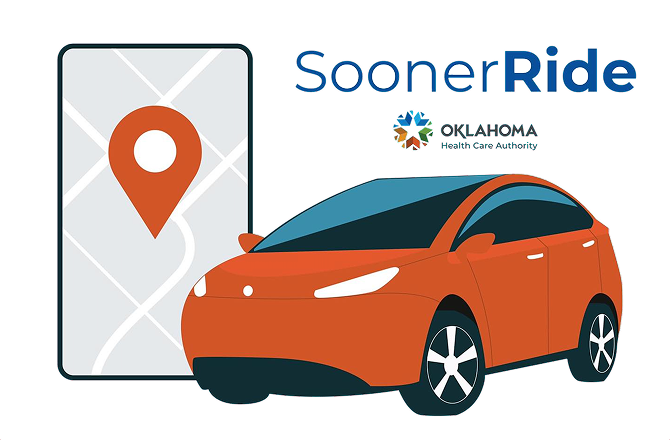
Ride Assistance is a transportation benefit that helps you get to and from your SoonerCare appointments when you need a ride to medically necessary services covered by SoonerCare.
Call at least three business days before your appointment to request a ride. A trip authorization number must be obtained in advance of your scheduled pickup.
Tap "Ride Assistance" from the MySoonerCare home screen, or start a chat with a Care Guide, who can walk you through how to schedule your trip with SoonerRide and get your authorization number. Rides are scheduled directly with SoonerRide, not by your Care Guide.
Ride Assistance covers trips to medically necessary services covered under your SoonerCare plan. A Care Guide can confirm whether a specific appointment qualifies.
On the login screen, select "Forgot Password." Enter your name as it appears on your health insurance card and your date of birth, then follow the prompts to set up a new password.
There are two ways to update the email associated with your account:
  • Send an email to support@medefy.com with what needs to be corrected.
  • Go to the Profile page in the app and choose "Contact Support" to send a ticket to our IT desk.
Yes. Eligible household members 18 and older enrolled in a SoonerCare program can create their own individual account. For privacy reasons, we recommend that each member 18 or older keeps their own personal login.
Under HIPAA regulations, any covered dependent 18 or older is considered an adult, and their health information is protected unless they give explicit consent to share it with you.
We help you get the most out of your SoonerCare coverage by connecting you with in-network, low- and no-cost care options, helping you avoid unnecessary bills, and reminding you before coverage lapses so you don't lose access to the benefits you rely on.

Still have a question? Email our support team or chat with a Care Guide right inside the app.

MySoonerCare logo

Download MySoonerCare Today

Life happens, questions come up, and plans change, but wherever you are on your healthcare journey, you don't have to navigate it by yourself.

Download on the App StoreGet it on Google Play
Get the Free App